
City Apartments, Room by Room: Smart Home Integration That Works

Today we dive into smart home integration plans for each room in city apartments, translating tight floor plans, shared walls, and landlord rules into practical, renter‑friendly upgrades that feel luxurious. Expect clear steps, battle‑tested device combos, privacy safeguards, and simple routines that anyone at home can use without confusion. Share your layout and questions to get tailored suggestions for tricky corners and older buildings.

Start With a Scalable Blueprint

Before buying devices, map the apartment’s Wi‑Fi coverage, electrical access, sun exposure, and noise patterns. Choose a hub strategy that supports Matter, Thread, and reliable local automations, so routines still run if the internet blips. Plan scenes around human moments, not gadgets, and favor renter‑safe mounting. Keep expansion in mind, because every great setup grows with new needs, roommates, and evolving schedules.

Survey Your Space

Walk your home with a Wi‑Fi analyzer and note dead zones, outlets, breaker limits, and window orientations. Photograph wall surfaces and trim for future mounting decisions. Sketch traffic flow and habitual actions, like where you toss keys or pause with bags. These observations inform smarter scenes than any spec sheet. Share your quick sketch and we will suggest concrete, room‑specific upgrades.

Choose Protocols That Last

Favor platforms that support Matter and Thread to reduce vendor lock‑in and maintain reliability across brands. Thread’s self‑healing mesh helps sensors thrive in dense buildings with concrete and steel. Prefer local processing for latency and privacy. When possible, avoid fragile cloud automations. Document your choices in a simple note, so future additions remain consistent and your family understands how everything connects.

Design for Renters and Owners

Use adhesive mounts, battery sensors, and plug‑in modules where drilling is restricted, keeping deposit refunds safe. If you own, plan low‑voltage prewiring for shades, presence sensors, and door contacts. In both cases, label everything. Reversible installs matter during moves. Share landlord constraints or condo rules, and we will tailor mounting strategies, cable management tricks, and non‑destructive placement ideas for clean results.

Living Room: Comfort, Presence, and Atmosphere

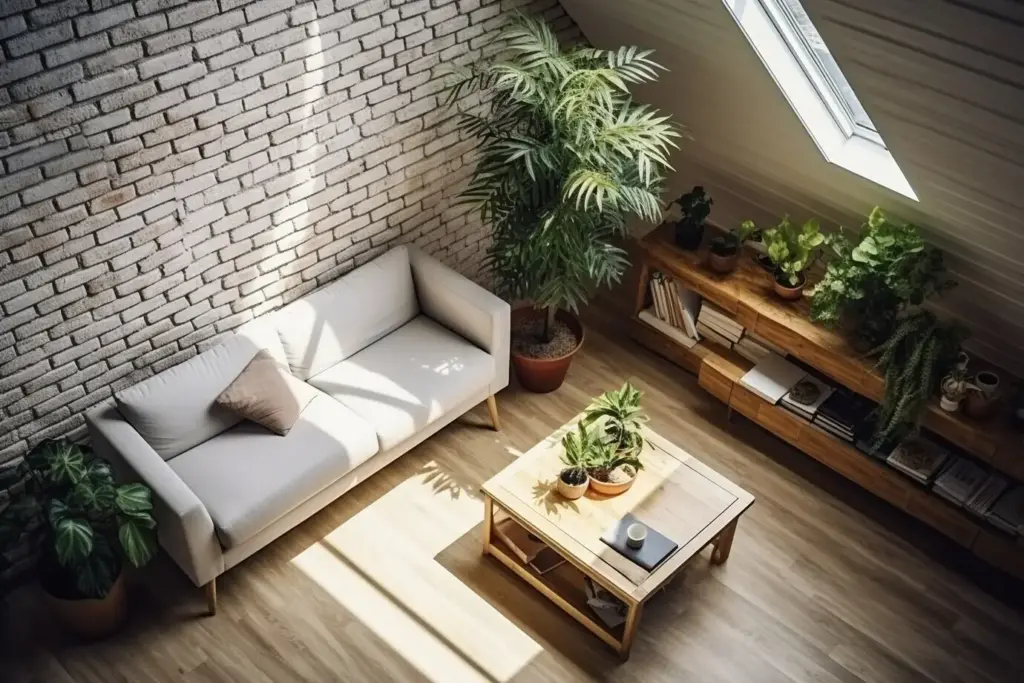
The living room is command central for relaxation and hosting, so focus on intuitive scenes that guests immediately understand. Use presence sensing to fade lights gently, sync media without remotes battling each other, and keep cables invisible. Calibrate sound to avoid late‑night neighbor complaints. Intelligent shades tame glare on screens. All actions should feel obvious, even to first‑time visitors or babysitters.

Kitchen: Safety and Flow

Kitchens in city apartments double as social hubs and workstations, so automation must protect, inform, and stay hands‑free. Integrate leak sensors, heat and smoke alerts, and simple counter lighting with physical buttons that work even when your hands are messy. Track energy use for big appliances. Keep timers visible across rooms. Everything should shorten steps and reduce stress during busy weeknights or brunch prep.

01

Hands‑Free Control That Actually Helps

Place a washable smart button near the sink that toggles task lighting and activates a cooking timer you can see on a smart display. Voice commands should launch favorite playlists and set multi‑step timers. Keep gestures consistent. If your hands are doughy or wet, you will appreciate quick hardware access. Share counter length and outlet positions for ergonomic button and display placement suggestions.

02

Safety Nets You Hopefully Never Notice

Install leak sensors under the sink and by dishwasher feet, linking alerts to lights that flash discreetly. Use a heat‑resistant sensor near the oven hood to watch for abnormal spikes alongside a reliable smoke detector. If a leak triggers, pause the dishwasher automatically. These quiet guardians save money and worry. Tell us plumbing locations and appliance models for precise sensor picks and alert choreography.

03

Appliance Telemetry and Efficiency

Smart plugs with energy monitoring reveal which gadgets waste power in standby. Track refrigerator door‑open time and temperature patterns to catch failing seals early. A connected induction cooktop integrates with range hood speeds for cleaner air. Keep dashboards simple so they are actually used. Send your appliance list and we will advise which devices benefit from telemetry and which are better left manual.
Bedroom: Rest and Recovery

A restorative bedroom blends circadian lighting, quiet climate control, and non‑intrusive notifications. Avoid screens and bright indicators. Automations should quieten the home, pre‑warm the bathroom floor if available, and gently wake you with light, scent, or vibration. Respect privacy by limiting microphones. Everything supports rest first, then convenience. Even night owls appreciate routines that nudge better sleep without rigid rules or complexity.

Bathroom and Laundry Niche: Clean, Quiet, and Efficient

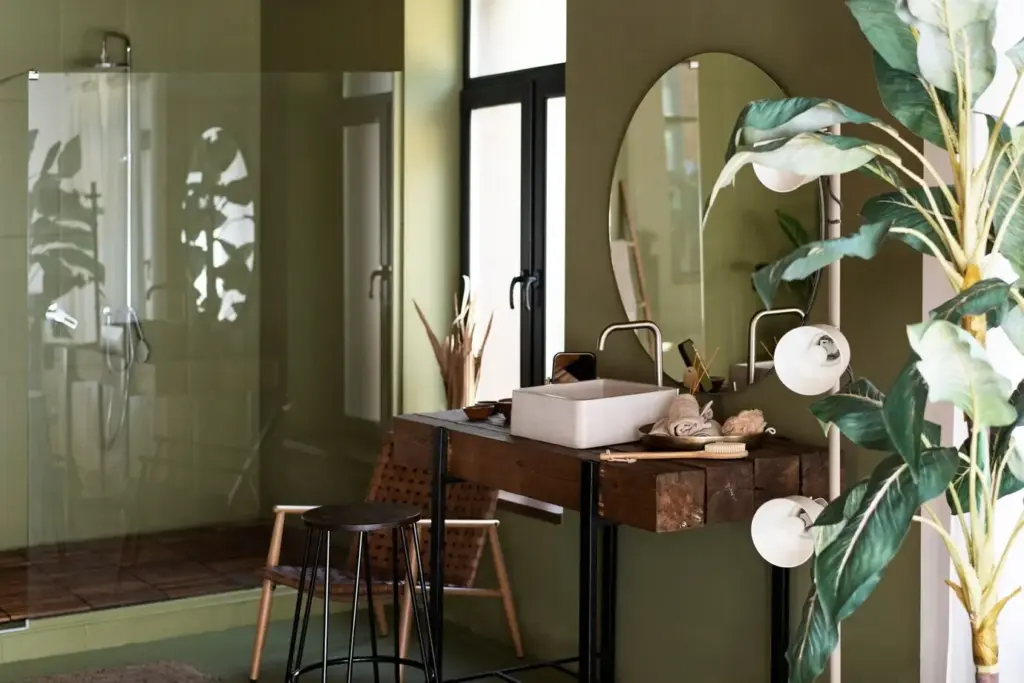
Moisture control, safety, and convenience shine here. Pair humidity sensing with smart exhaust fans that actually clear mirrors without running forever. Add leak detection by the washer and valves if allowed. Warm, low‑glare lighting flatters morning faces. Subtle speakers can play softly without echo. Lux touches like heated towel timers feel extravagant yet practical. Reliability is key, because nothing ruins trust like false triggers.

Entryway and Security Layer

Entrances must feel welcoming while discreetly handling safety. Smart access should be fast, reliable, and respectful of guests. Cameras need thoughtful angles and strict privacy zones for hallways. Door sensors tie into lighting for hands‑full arrivals. Package workflows reduce stress. Keep a visible button to disable chimes during naps. Security works best when it blends into hospitality rather than shouting for attention.

01

Smart Access Without Friction

Choose a lock that supports secure local credentials, shares temporary codes, and logs events without broadcasting to the street. Pair with a doorbell that rings on a chime and phone, not merely notifications. If your building restricts hardware, consider keypad covers or shared system integrations. Describe your entry constraints, and we will design a polite, reliable flow that respects neighbors and building rules.

02

Cameras and Privacy Boundaries

Aim cameras inward to your door, not down shared corridors, and define privacy masks carefully. Store video locally when possible and rotate encryption keys. Motion detection should ignore pets and elevator light flicker. Announce recording with a tiny, tasteful indicator. Share floor plan photos and we will suggest non‑creepy placements, retention schedules, and retention alternatives when cameras are not appropriate for your context.

03

Packages, Guests, and Deliveries

Create a routine that lights the entry and briefly unlocks or buzzes after identity confirmation, then re‑locks automatically. Package detection can notify softly and cue a reminder when you return. Provide temporary door codes to cleaners on fixed schedules. Keep logs concise. Tell us your building intercom type, and we will craft a delivery flow that feels secure, courteous, and reliably hands‑free.

Home Office or Flex Corner: Focus and Collaboration
Network Stability and Power Backup

Place a Wi‑Fi 6 or 6E access point outside a metal cabinet and away from microwaves. Use a small UPS for your modem, router, and hub so meetings survive short outages. Prioritize traffic for video calls. Keep Ethernet where possible. Share wall construction and router model, and we will shape a layout that resists interference from elevators, concrete, and neighboring networks effectively.

Lighting and Camera Presence for Calls

Place a Wi‑Fi 6 or 6E access point outside a metal cabinet and away from microwaves. Use a small UPS for your modem, router, and hub so meetings survive short outages. Prioritize traffic for video calls. Keep Ethernet where possible. Share wall construction and router model, and we will shape a layout that resists interference from elevators, concrete, and neighboring networks effectively.

Routines That Protect Work‑Life Boundaries

Place a Wi‑Fi 6 or 6E access point outside a metal cabinet and away from microwaves. Use a small UPS for your modem, router, and hub so meetings survive short outages. Prioritize traffic for video calls. Keep Ethernet where possible. Share wall construction and router model, and we will shape a layout that resists interference from elevators, concrete, and neighboring networks effectively.

Viromivimivoxika
Privacy Overview

This website uses cookies so that we can provide you with the best user experience possible. Cookie information is stored in your browser and performs functions such as recognising you when you return to our website and helping our team to understand which sections of the website you find most interesting and useful.